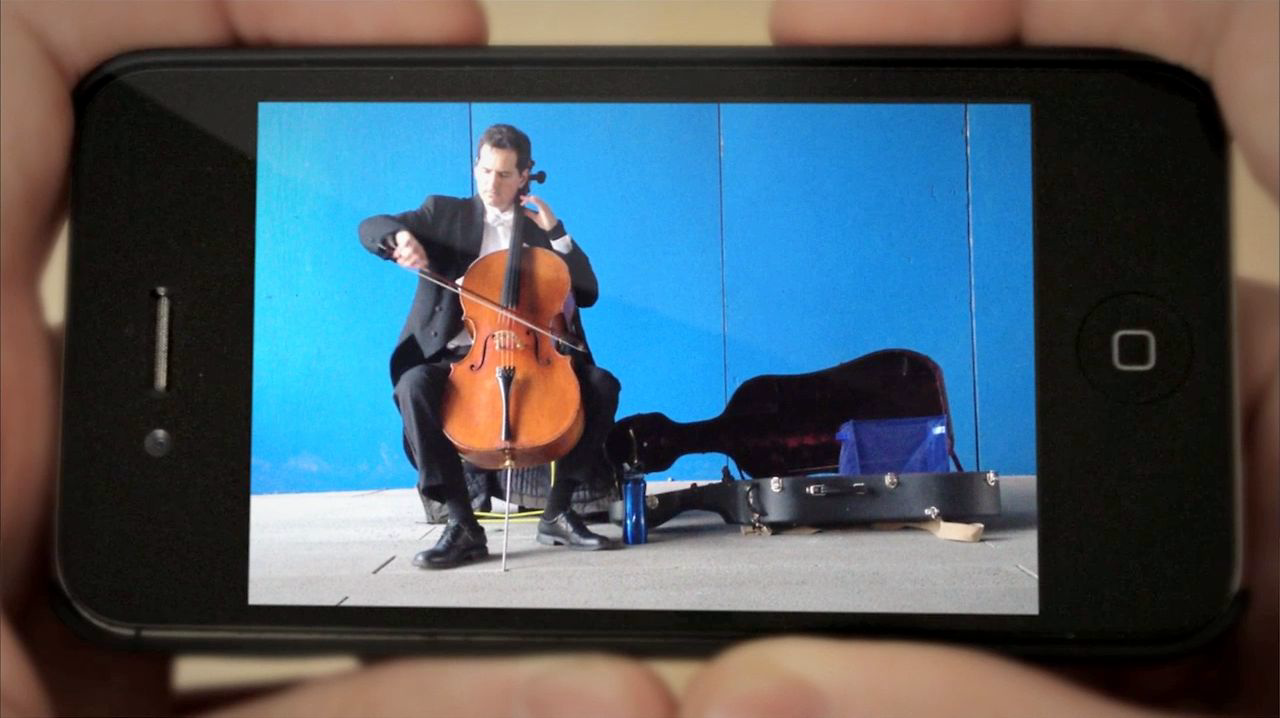
Over the last few years, the cameras in mobile devices have advanced to the point of being able to capture clear, crisp videos that go beyond just documenting what's in front of the lens. But technology alone doesn't guarantee that you'll create awesome videos on the go — that's where we come in. We put together some simple tips and techniques to help you make your mobile vids more magnificent. For now though, enough words! Let's watch as Andrea talks Derek through the essentials of mobile video shooting:
Ok, let”s review what Andrea and Derek just covered!
Keep It Snappy
Remember when Derek talked about jumping ahead to the 12-minute mark in his masterpiece? No one wants to sit through a long, meandering mobile video. So remember that less is more. When in doubt, trim it down!
Hold the Phone Properly
Sometimes the rush to capture an incredible moment leads to footage that”s obscured because your finger was over the lens — so keep your digits clear! Also, be sure to hold the phone steady. Some folks tuck their elbows in to their sides, some hold their elbows out, and some lift their pinkies. Try a few positions and use the one that helps you most comfortably hold your device to maintain a nice steady shot.
Also, if you”re trying to capture a lot of action, don”t be afraid to take a step back and hold your device still. Too much camera motion can create confusion, so just allow the action to go in and out of frame. And don”t forget to focus!
Orient Your Camera
Some people shoot video on their phones in the vertical (also known as portrait) orientation. This technique can definitely produce cool results, but in general most video is meant to be seen in the horizontal (or landscape) orientation. So you might want to start there. Trust us, it looks better 99% of the time. 🙂
Be Spontaneous
The great thing about having a phone with a built-in camera is that when something interesting happens, you”re already prepared. Keep your phone handy and record often — you never know when an amazing visual opportunity will arise. And while you”re taking a lot of video, try capturing things from different angles to vary your shot composition.
Try Some Apps
There are all sorts of video-related apps that can do everything from applying lens filters to adding special effects to your everyday shots. So keep an eye out for apps that can inspire some ideas or spark your creativity. Of course, we can”t mention mobile apps without noting that Vimeo has apps for iPad, iPhone, Android, and Windows 7 devices.
Get Started With Fun Projects
Looking for some direction in your mobile movie-making? Here are a couple great places to begin:
- Create a swish effect – Transition from shot to shot with quick pans or tilts at the beginning and end of every shot.
- Make a 5×5 ““ A 5×5 is a series of five five-second shots. Play around to see if you can tell a story in this short span or create dramatic contrasts between your shots. Most importantly, experiment! For more simple video projects, check out this lesson.
Now you”re ready to make some mobile video magic — time to stop reading and start shooting!
Creators can also explore Vimeo's cutting-edge AI video tools, including the AI script creator, video teleprompter, captioning generator, and video translator to streamline your video creation process.